

Kevin Moyer, Owner, Vermont Frames
“Dan is a phenomenal teacher. He intuitively understands how to build up the basics skills and workflows for a variety of different SketchUp use cases. I work in a niche industry with unusual requirements and he was able to come up with a SketchUp curriculum for me that had me fluent with the basics SketchUp in a matter of weeks. Dan is also just a pleasure to work with and a lot of fun to learn from.”
Hi, I'm Dan
I’m the founder of SketchUpTrainer.com—an educator, designer, and (last but not least) a SketchUp expert.
- 15+ years of experience as a SketchUp trainer & consultant
- 10 years teaching SketchUp at the college level
- Trained thousands of architects, designers, and contractors
"My approach is interactive and project-based—simple and dependable—focused on clean models, reliable workflows, and client-ready visuals.
I put a strong emphasis on foundational skills, because in design and architecture, everything depends on a strong foundation."
Learn more about Dan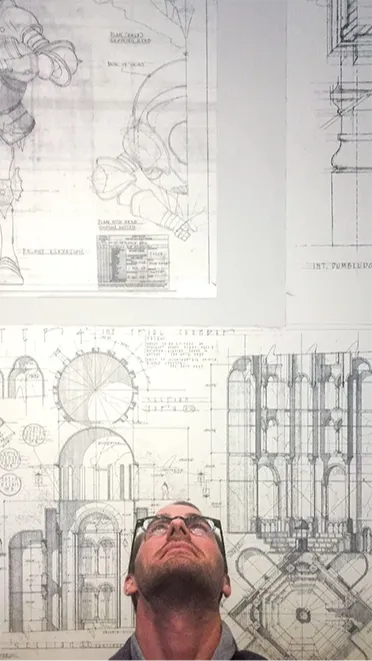

I don’t create SketchUp tutorials as a hobby. I teach SketchUp at the highest level, working with professionals and industry leaders to help them design more efficiently, create better presentations, and implement real-world workflows.
I help professionals build clean, repeatable workflows so models stay organized, edits are predictable, and visuals are presentation ready.
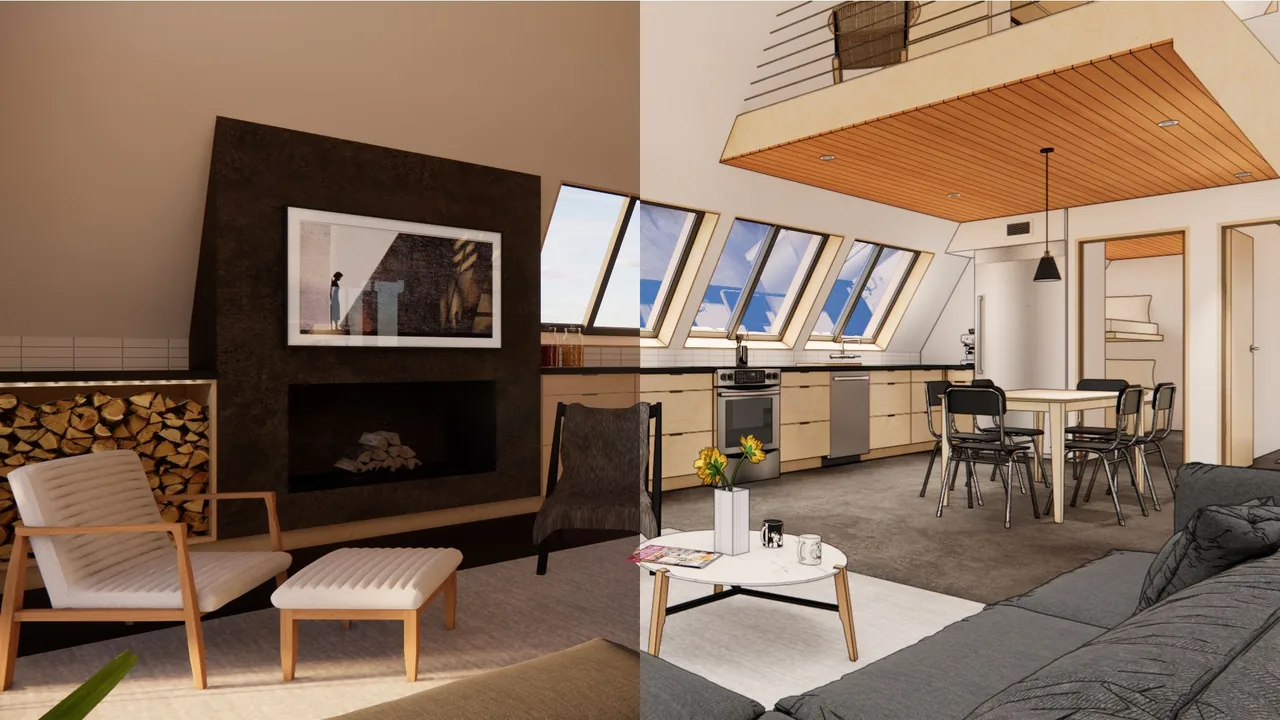
Image from Frustrated to Flawless: Best Enscape Settings for Real-time Rendering Success, featured Chaos blog post.
Choose the SketchUp support that fits what you need next
You may be here to learn at your own pace, join a live training, get help with a specific file,
or bring in expert support for a project.
Start with the path that matches where you are now
— and how you want SketchUp to work better for you.

Live Training
Cohorts, Mini-Courses & Workshops
Join scheduled, live classes with a clear start and finish—designed to help you build specific skills through guided instruction, practice, and Q&A
→ Choose Live Training if you want a scheduled class with live instruction.

Self-Paced Learning
Course Library & Support
Work through the Course Library on your schedule, with Project Clinics and the Community Hub available when you want feedback or help applying what you’re learning
→ Choose Self-Paced Learning if you want ongoing access and support on your schedule.

Team or 1:1 Support
Private Training
Team or 1:1 SketchUp support focused on your active project files, goals, and deadlines
→ Choose Private Training if you want focused 1:1 help in your projects, client work, and workflows.

Personalized Production Support
Rendering & Consulting
Personalized guidance and project-based support for SketchUp cleanup, LiDAR site capture, Enscape renderings, AI-powered visuals, and presentation-ready deliverables.
→ Choose Rendering & Consulting if you want a production partner to help move project work forward.

Featured Project Experience
Erin Maciel, RLA, Landscape Architect 1
New York State Department of Transportation, OOE – Landscape Architecture Bureau
“The SketchUp Trainer team implemented a statewide training series for NYSDOT, covering Sketchup Pro and Enscape 3D. The sessions were delivered on time and within budget. The training modules were designed to allow staff to refer back to key components after the sessions.
The virtual classes and recorded materials were migrated to a custom SharePoint site created by the SketchUp Trainer team, providing on-demand learning resources for both current and new employees.”

Rebecca Cordes Chan, Executive Director, Friends of the Rail Park
"Daniel was a pleasure to work with. He is highly skilled and took the time to really listen to our goals, helping us clearly visualize our project in a way that was both thoughtful and precise. His ability to translate ideas into compelling visuals made the process smooth and productive. We’re very glad we had the opportunity to work with him."

Devon Zimmerman, Curator of Modern and Contemporary Art, Ogunquit Museum of American Art
"As a small museum with a limited staff, the implementation of SketchUp has been transformative in how we conceive, plan, stage, and install exhibitions. This shift would not have been possible without Daniel’s foundational modeling of the museum and his subsequent staff training.
Building on that strong groundwork, his clear and accessible instruction has made SketchUp an essential tool for the institution as we undertake increasingly ambitious projects."
Get started with these free resources.
These are the resources and extensions that have earned a permanent place in my workflow.
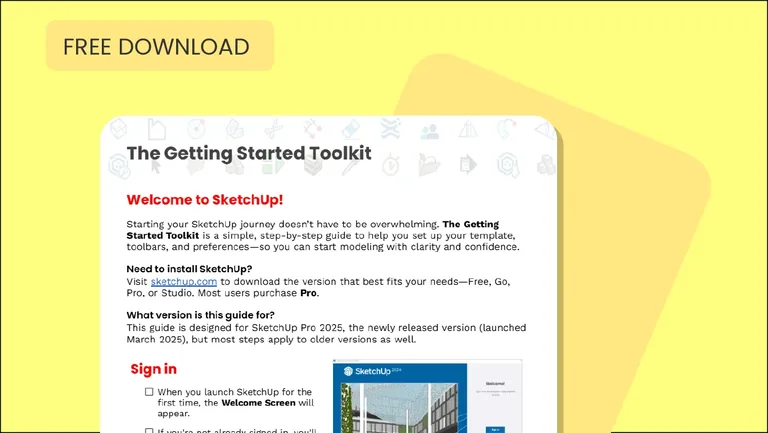
Getting Started Toolkit
Ideal for beginners who want a smoother, more organized start.
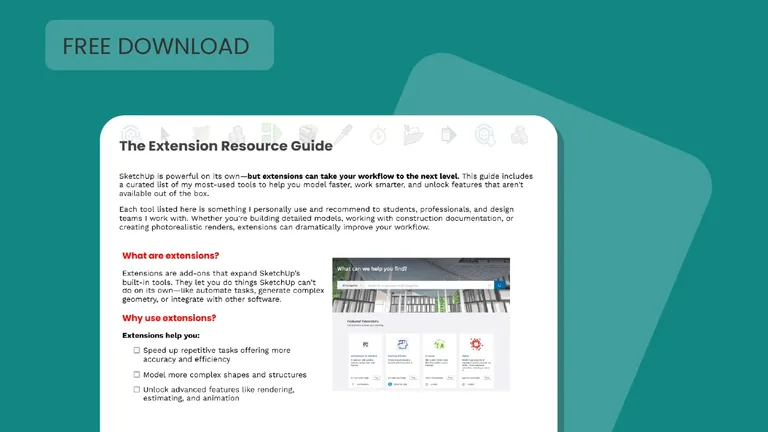
Extension Resource Guide
Ideal for intermediate users looking to expand SketchUp’s capabilities.
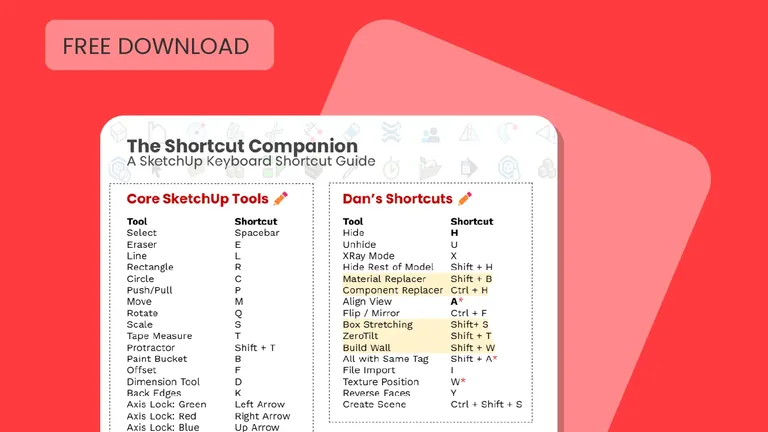
Shortcut Companion
Ideal for beginners and intermediate users looking to streamline the process.
